
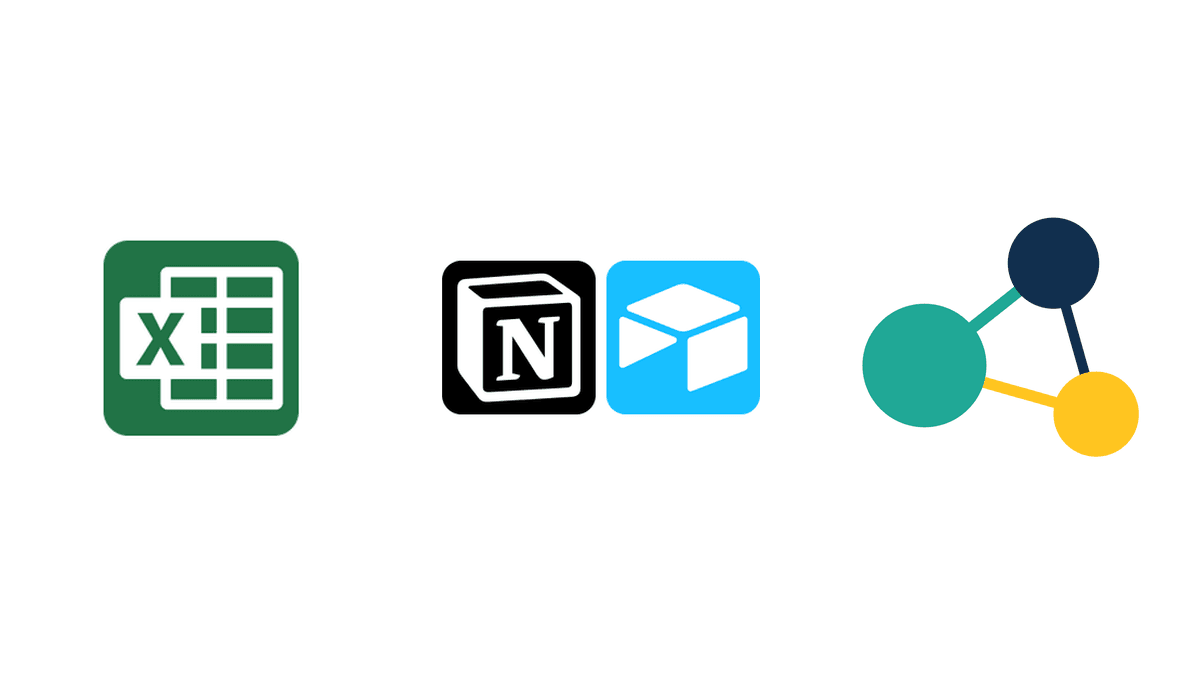
Yes: the most common alternatives to Excel for managing an academy or a sports center are Notion, Airtable and dedicated management software such as Clasbi. Notion and Airtable organize data better, but attendance, make-up classes, balances and time tracking have to be built by hand; academy software comes with them ready.
To choose, compare each option against five everyday tasks: taking attendance, handling a make-up class, knowing who owes what, recording teachers' working hours and seeing the month's income.
Why does Excel stop working?
Excel stops working when several people use the same file and every change to a student affects schedules, balances and payments at once. A spreadsheet stores data but does not apply rules: every make-up class, payment and absence depends on someone updating the right row.
What payment and balance errors appear with Excel?
A badly copied formula, a payment entered in the wrong row or a forgotten monthly fee is enough to make a student's balance wrong. When the error comes to light weeks later, you have to tell a family that they have overpaid, or that they owe money nobody had asked them for.
On top of that, you have to rebuild the history by hand to show where the calculation went wrong, and that conversation puts the family's trust in the academy at risk.

Why do make-up classes go wrong in Excel?
Because a make-up class handled by hand goes through five steps: the student gives notice, someone writes it down, the teacher is consulted, a slot is found and the student is told. If one step is skipped, the student arrives at a full class, the teacher is not expecting them or the make-up class is marked as done and the balance does not add up.
If make-up classes are your main problem, start with a make-up class policy and tracking template before adding more sheets.

Can Excel show the month's real income?
Only if you build it yourself with formulas, filters and pivot tables. To know how much you have collected this month, how much is pending, each student's balance and which payments are piling up late, someone has to cross-check several tabs and keep them up to date every week.
Can Excel be used for teacher time tracking?
It can, with risk. Since Royal Decree-law 8/2019, every company in Spain must record its employees' daily working hours, including part-time teachers and instructors, and the record must be available to the labor inspectorate.
An Excel sheet can be edited or deleted afterwards without leaving a trace. It is not explicitly forbidden, but if you cannot prove the record is reliable during an inspection, the company risks a serious infringement under article 7.5 of the LISOS, with fines of €751 to €7,500. The guide on time tracking in academies explains what the law requires.
Clasbi includes time tracking: each teacher clocks in and out from their phone, and the record can be exported whenever the inspectorate or your accountant asks for it.

What happens if only one person understands the Excel file?
The academy depends on that person. On the day they are away, nobody else knows which tab to update or which formula must not be touched, and questions from families and teachers pile up until they are back. If you want to share the work, the guide to managing an academy with several teachers explains what to define first.
What alternatives to Excel are there?

Can Notion or Airtable be used to manage an academy?
They help organize data and let several people work at once without breaking formulas. They work well for documentation, student lists or light tracking.
Their limit is that they are generic tools: attendance, make-up classes, balances and time tracking have to be built with your own tables and automations. With 30 students it holds up; with several teachers and groups that change every week, the manual work grows again.
What does management software like Clasbi do that Excel does not?
Clasbi is management software for academies and sports centers that brings schedules, attendance, make-up classes, communications and payments together in one place. Instead of columns you have to maintain, it applies your center's rules:
- the teacher takes attendance and an absence deducts the class from the student's balance;
- the student books their make-up class only in the slots you allow;
- fees, class packs and recurring charges are recorded per student;
- each teacher clocks their hours from their phone;
- several teachers work at the same time without overwriting each other's data.
To compare prices with other programs, see how much academy management software costs.
Comparison: Excel, Notion/Airtable and Clasbi
| Task | Excel | Notion / Airtable | Clasbi |
|---|---|---|---|
| Taking attendance | Marked by hand in a sheet | Marked by hand in a database | The teacher takes attendance and the balance updates |
| Handling make-up classes | Find a slot and note it by hand | Build your own tables and views | The student books in the slots your rules allow |
| Payments and balances per student | Formulas per student | Your own formulas or automations | Fees, class packs and charges per student included |
| Time tracking | Editable without a trace | Not included | Clock-in from the phone, exportable |
| Monthly income | Pivot tables | Your own views | Income, pending payments and arrears without formulas |
| Several people at once | Risk of overwriting data | Yes | Yes, each teacher with their own access |
| Price | Included in Microsoft 365 | Free plan and paid per-user plans | €5 per teacher per month after 3 free months |
When should you stop using Excel?
When fixing errors in payments, make-up classes or time tracking takes you more time than the spreadsheet saves. There are three clear signs: several people use the same file, make-up classes cause disputes with families, or you cannot tell who owes what without checking several tabs.
If you recognize any of them, try Clasbi free for 3 months with your center's real data. To compare more options, see the guide to the best academy management software in 2026.