

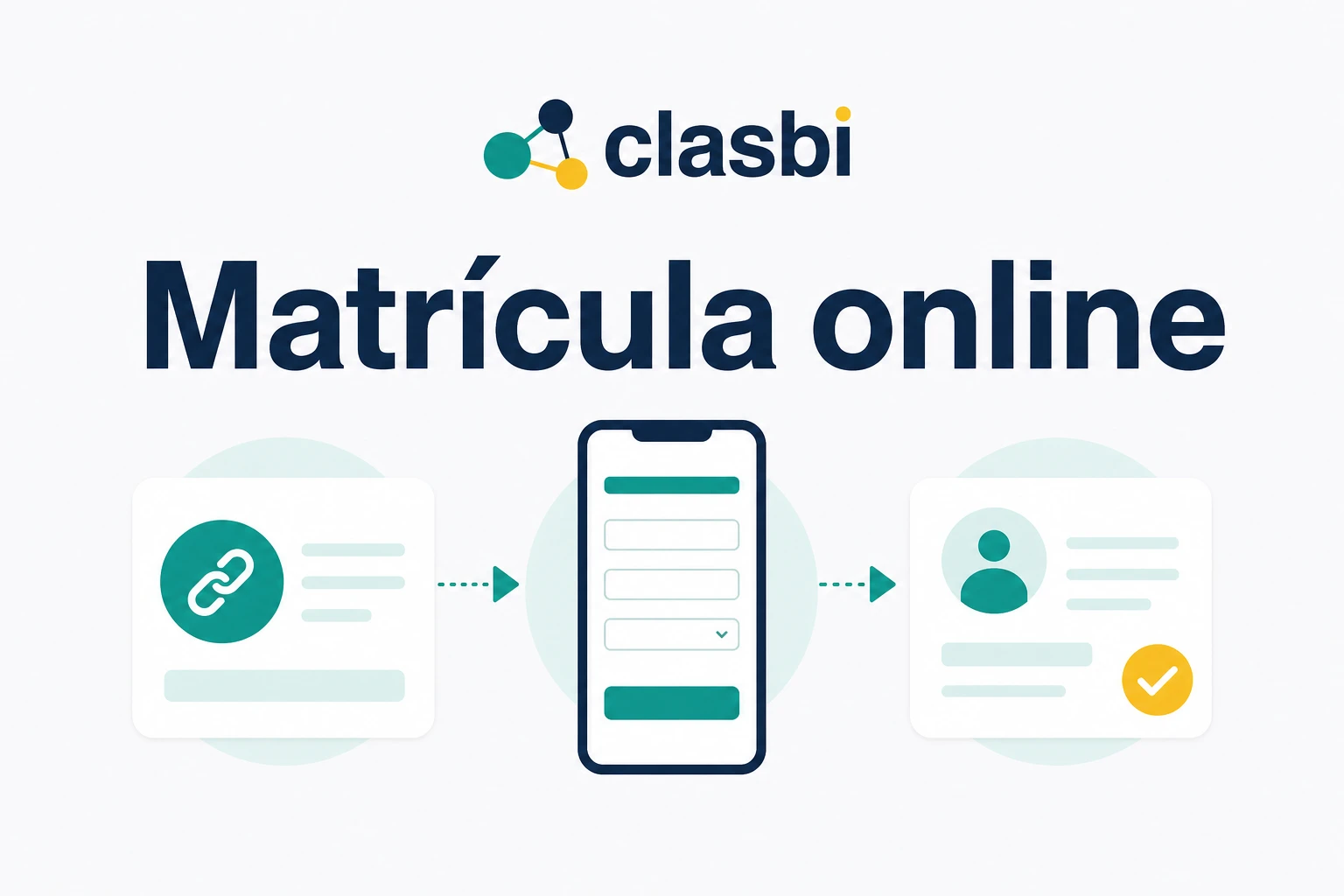
To run online enrollment without copying each student's data, use a form connected to your management program: the family enters their details once and the student record is created or completed automatically. A form that only sends the answers by email or to a separate spreadsheet still forces someone to move them by hand.
This is how an enrollment usually goes without a connected form: a family asks about a place on WhatsApp, you ask for name, phone, date of birth, address and level, and they reply in several messages, maybe not all on the same day. Then comes the part nobody sees: opening the student record and typing all that information again, field by field. If something is missing, you go back to the chat; if you are interrupted while copying, it is easy to leave a detail incomplete or save it in the wrong record.
Why does copying enrollment data take so much time?
Because the data goes through four places before it reaches the student record:
- The family writes it on WhatsApp, by email or on paper.
- Someone at the academy sorts it out and asks for what is missing.
- That person copies it into a spreadsheet or an internal form.
- Later they enter it again in the management program.
Each step adds time and a chance for error: a misspelled surname, a phone number missing a digit, an important note left in the chat. And that work grows right when enrollment opens, when preparing September or when several sign-ups arrive at once.
Digitizing the first answer does little if someone still has to copy it afterwards.
Does an online form always avoid manual work?
No. It depends on where the data ends up after it is submitted. Moving from paper to a generic form organizes answers and reduces omissions, but if they arrive by email or in a separate spreadsheet, the academy still has to move them into the student's real record.
| Way of collecting data | What it improves | What work remains |
|---|---|---|
| WhatsApp messages | Personal and requires no new channel | Data ends up scattered and has to be copied |
| Paper or PDF | Gives every enrollment a common structure | Every field has to be reviewed and transcribed |
| Generic form | Organizes answers and required fields | Information has to be imported or copied |
| Connected form | The family fills in the data with a clear structure | The record is created or updated without entering data twice |
The difference that matters is whether the answer stays isolated or is connected to the student record.
What should a good enrollment form include?
An enrollment form for academies should collect what is needed for the sign-up and save it where the team will work with it. Before choosing one, check that it lets you:
- choose which data the academy asks for and which is required;
- fill it in from a phone;
- avoid asking for what the academy already knows;
- show the center's name and logo;
- provide privacy information and collect consents;
- save the information in the right record without copy and paste.
Asking for less data, but asking well, usually works better than an endless form. The usual fields are first name, surname, phone, date of birth, address, level, family contacts and a field specific to the type of center.
How does online enrollment work in Clasbi?
Clasbi is management software for academies and sports centers that brings schedules, attendance, make-up classes, communications and payments together in one place. For enrollment it offers two links, depending on whether the person is new or already registered.
How does a new student enroll with the public link?
The academy defines the form fields (personal data, family contacts, courses, consents and custom fields) and publishes the link on its website, in its social media bio or in a campaign. The student or family fills in their details and chooses courses in the same request.
The academy reviews each request and decides whether to accept it. On acceptance, Clasbi creates the record and enrollments with the data received, and they can be corrected during the review if needed. The online enrollment for academies page shows the process step by step.
How do you complete the details of someone already registered?
With a private link. From the lead's or student's record, the academy generates a form just for that person and sends it by WhatsApp with an editable message. The link expires, and if a new one is generated, the previous one stops working.
When they open it, the family sees the academy's name and only the fields that are still empty, so they do not repeat what the center already knows. Everything happens in the browser, without installing another app.
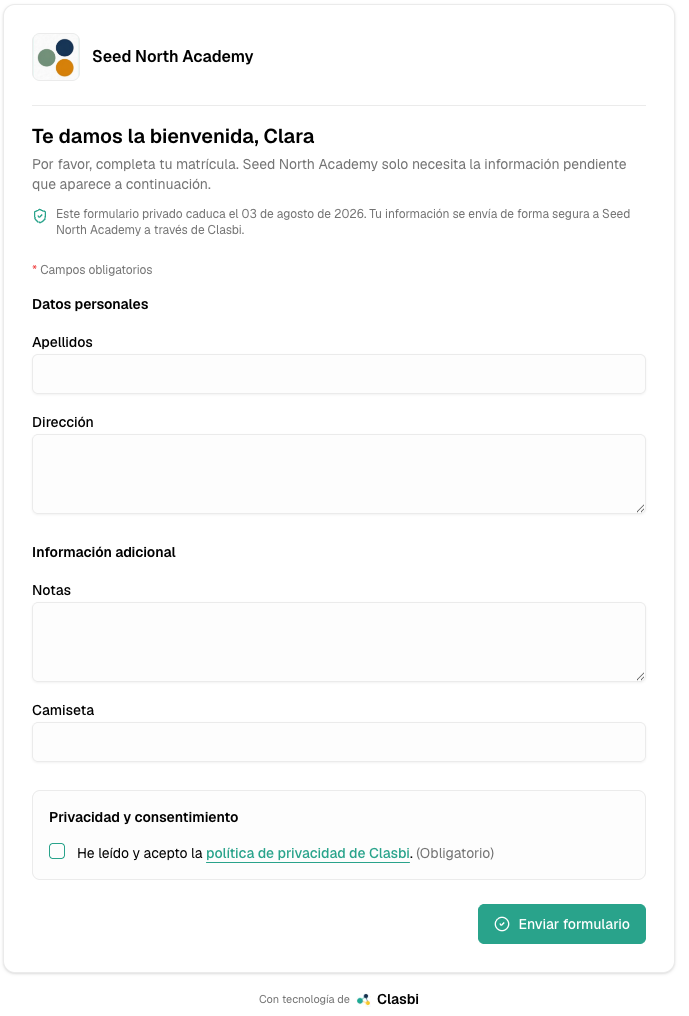
When submitted, the data updates the record in Clasbi and, if the person was a lead, they become a student. The link is used up and the academy keeps a summary of what was sent and when.
The transcription work disappears: the data is already in the record when you open it.
How much does online enrollment cost in Clasbi?
Online enrollment is included in Clasbi's price at no extra cost: €5 per teacher per month, VAT included, after 3 free months with no long-term contract.
If the bottleneck is organizing the enrollment campaign, see the guide to preparing September and managing enrollments without losing requests. If all your admin depends on separate spreadsheets, review the alternatives to Excel for managing an academy.
To see it with your center's fields, request a demo: we will show you how to publish the link, send it by WhatsApp and receive the data without copying it again.