

One link to register and apply for enrollment. You review and approve.
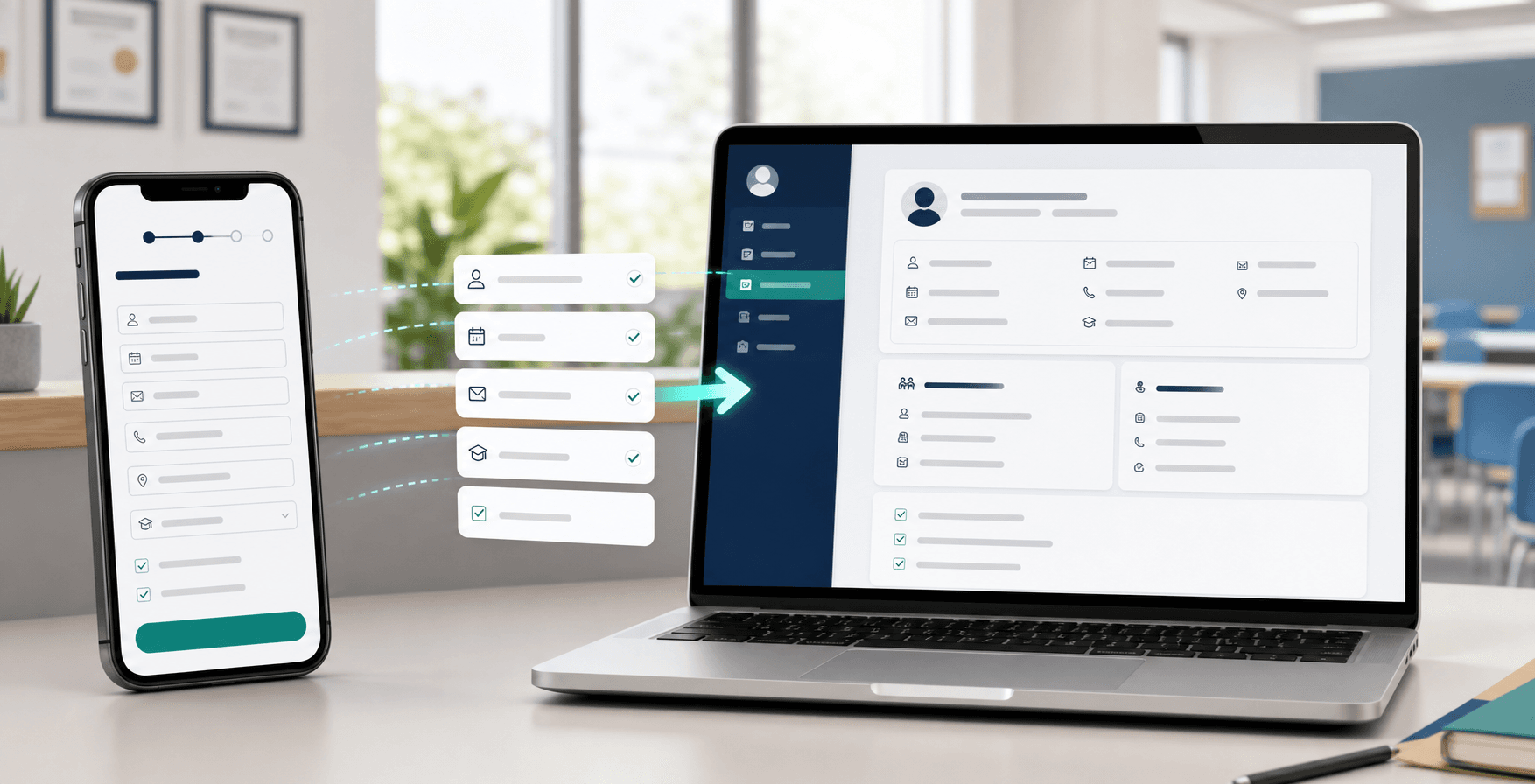
Choose your form fields and publish the link on your website or social profiles. Students enter their details and choose their enrollment in one process. Once you approve, Clasbi creates the student record and requested enrollments without retyping a single detail.
What changes for staff
Families enter the details once. You do not type them again.
The public form connects to review and approval in Clasbi. Information follows the process without another spreadsheet.
Before
Collecting details across several messages
Creating a record before sending a form
Copying the course choice again
Entering the same information in two places
With Clasbi
One link on your website and social profiles
Details and enrollment requests together
You decide whether to approve
Records and enrollments created from submitted details
Your link, your rules
From form to enrollment, without retyping the details.
The applicant completes the request. You keep control of approval.
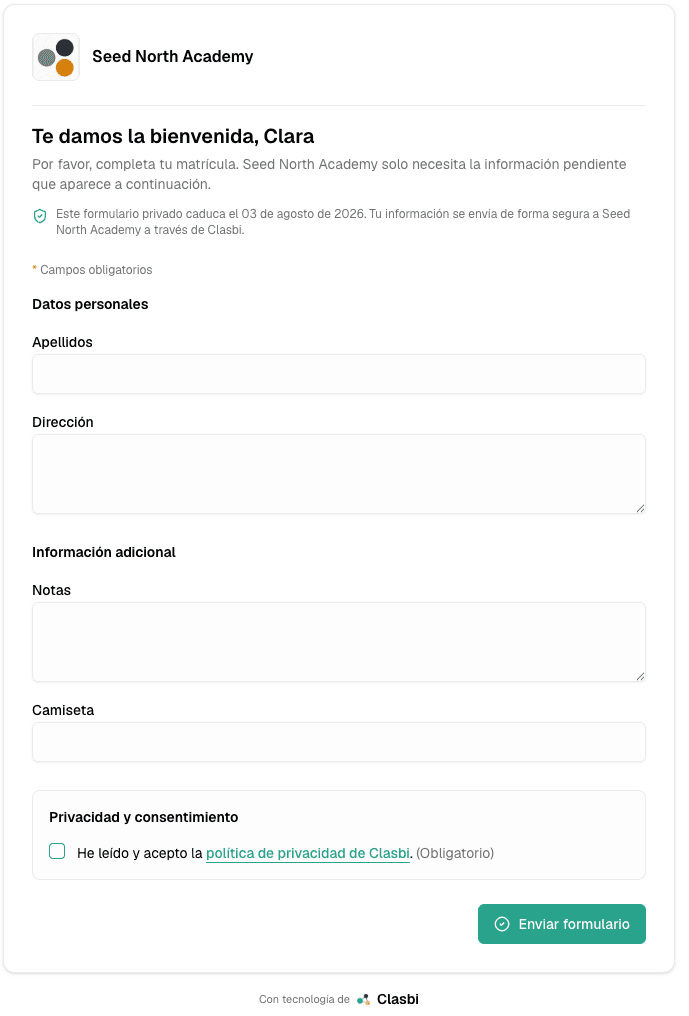
Step 1
Set up the form
Choose the fields you need: personal details, family contacts, courses, consent and custom fields.
Step 2
Publish the link
Place it on your website, social profile or campaign. You can also embed the form on your website.
Step 3
They register and apply
Students enter their details and select the courses and enrollment options you offer. Everything arrives in one request.
Step 4
Review and approve
Check and approve the request. Clasbi creates the record and enrollments using the submitted details. You can correct them during review if needed.
Related guides
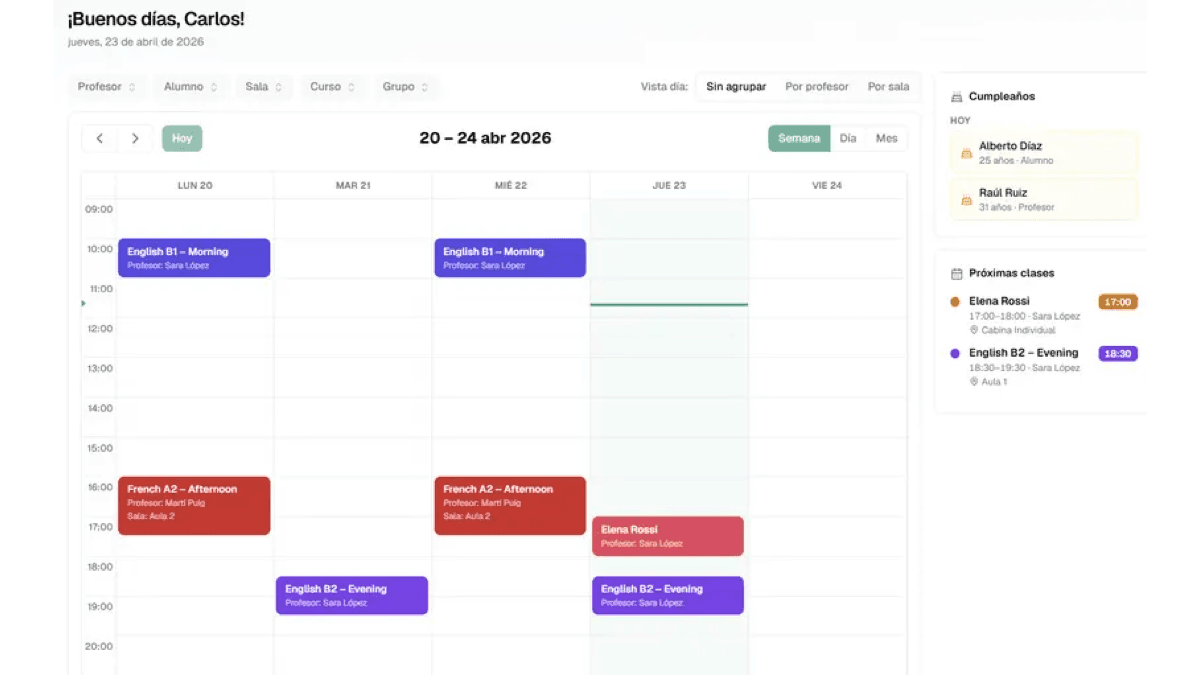
Enrollment connected to the rest of your center.
How to reduce data copying and keep students, schedules and payments in one system.
Frequently asked questions
Common questions about online enrolment
What is Clasbi online enrollment?
It is a form connected to Clasbi: the family enters their details and chooses courses once, and when you accept the request the student record and enrollments are created without copying anything by hand.
Can I put the link on my website or social media?
Yes. The public form has a link for your website, your social media bio or a campaign, and it can also be embedded in your website.
What data can I ask for in the form?
Whatever you choose: personal details, family contacts, courses and enrollment options, consents and your center's own fields. You decide which ones are required.
Do I have to register the student before sending the form?
No. The public form receives requests from people who do not have a record in your center yet, without asking for their phone number or creating anything first.
Is the student created automatically when the form is sent?
Not until you accept it. First you receive a request with the details and chosen courses; when you accept it, Clasbi creates the record and enrollments, and you can correct details during the review.
Can I ask an existing student for missing details?
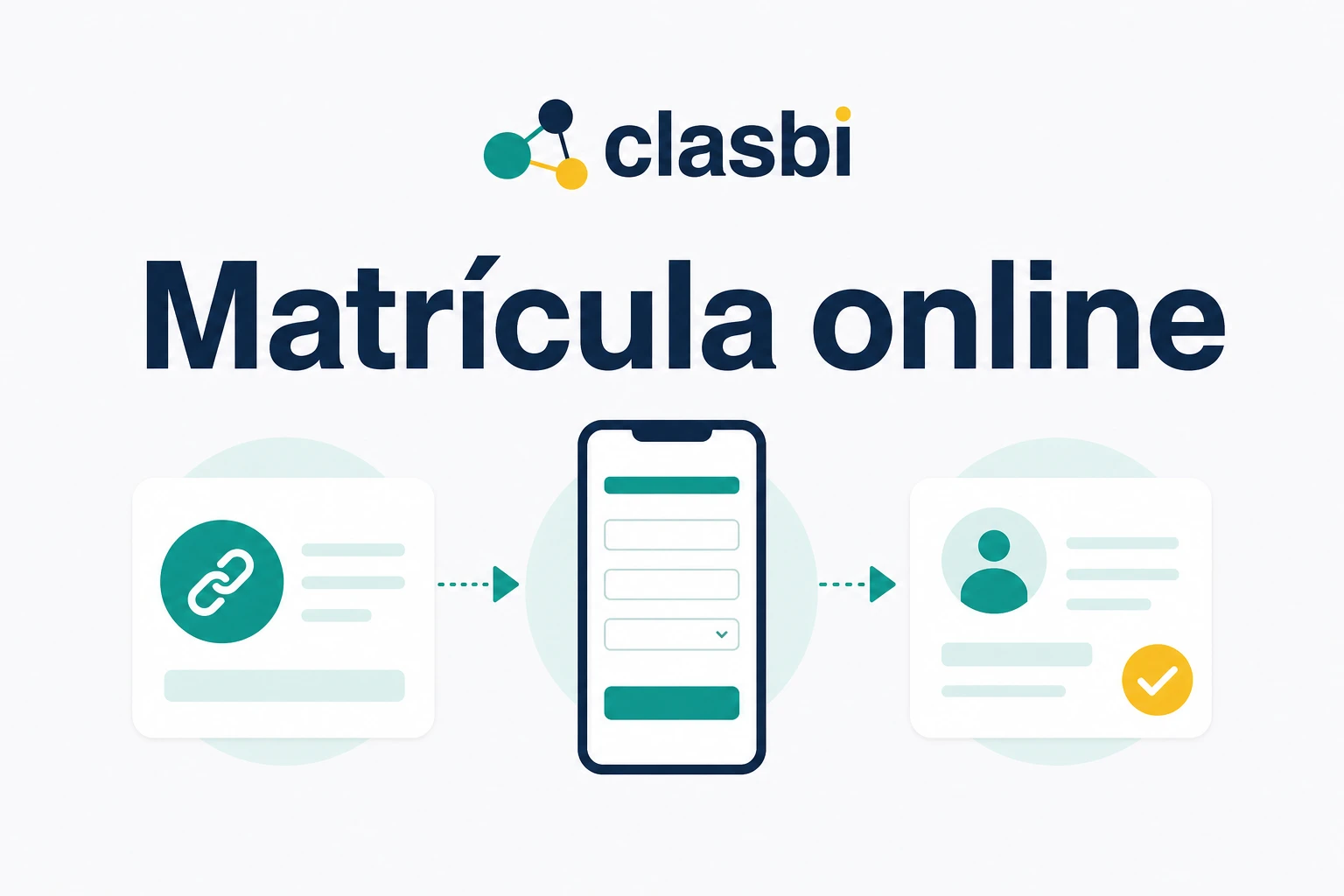
Yes, with a private link you generate from their record and send by WhatsApp. The form only shows the empty fields and, once sent, updates their record.
Does the family need to install an app or create an account?
No. The form opens in the phone or computer browser and is filled in without downloading anything.
How is it different from a Google Form?
The data does not stay in a response sheet: Clasbi creates the record and enrollments when you accept the request. With a generic form, every answer has to be copied into the management program.
How much does online enrollment cost?
It is included in Clasbi, which costs €5 per teacher per month, VAT included, after 3 free months with no long-term contract.
Less work for each signup
Your next enrollment can start with one link.
We show you how to set up the form, share it and review requests in Clasbi, using the fields and courses your center needs.
By submitting, you accept our Terms of Service and our Privacy Policy.