
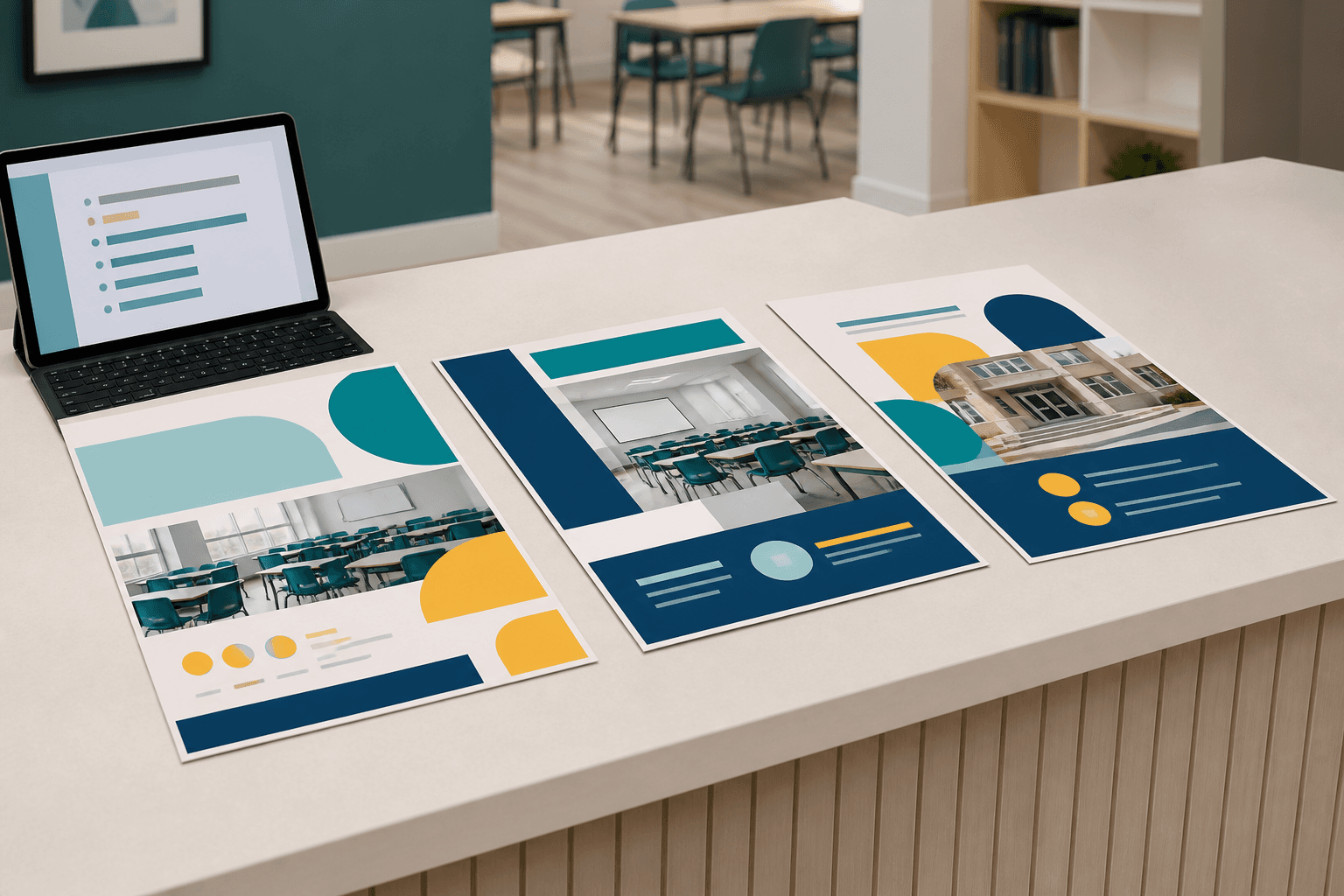
To create AI posters without losing your academy's identity, give the tool your colors, your typefaces, the kind of photos you use and a list of what it must not invent. With those limits, AI prepares enrollment, workshop or open-day posters in minutes, and they still look like your academy.
AI makes a lot of sense when whoever runs the academy has no design training, which is usually the case. The risk appears when every academy uses it the same way and their posters start to look alike.
Why do AI-made posters look so similar?
Because without brand instructions, AI repeats the same resources: glowing backgrounds, centered layouts, gradients and generated people. Ask it for a poster for an open class, enrollment, a workshop or a recital and the result is usually well done: it is clear and better than what you would make by hand in Canva without a template.
The problem shows when you put several side by side. The logo, text and activity change, but the visual language is almost the same, and the poster looks as if it were made by someone who does not know the academy. The fix is in how you ask for the poster, not in giving up AI.
Why is visual personality important?
Because families recognize an academy by how it communicates, not only by what it teaches. Level, teachers and teaching method count, and so does day-to-day organization. Personality shows when you walk into the classroom, talk to the team, see their posts or receive a message.
A poster that could belong to any center loses that advantage. AI should speed up the work without wiping out the style you already have.
What does AI need to know about your brand before designing?
You do not need a full brand manual. With these details, AI already works from your identity:
- your academy's colors, with their codes if you have them;
- the typefaces you use;
- the kind of photos that look like yours and the ones you do not want;
- your own visual resources, such as shapes, icons or illustrations;
- the personality your communication should convey;
- the styles AI must not invent.
That way you stop asking for "a nice poster" and ask for "a poster for my academy, with this personality and these limits".
What should you put in the prompt?
Say what you want and, above all, what you do not want it to invent. We often ask for "make it more modern" or "more eye-catching", but the result improves more with concrete restrictions:
- do not use colors outside this palette;
- do not change the academy's style;
- do not use corporate stock photos;
- do not generate artificial people unless needed;
- do not turn every theme into literal decoration;
- do not use glows, 3D or gradients if they are not part of the brand.
These limits do not make the poster less creative: they stop AI from turning every piece into a different brand.
How do you know whether an AI poster respects your brand?
Run a test before publishing it: cover the logo and the name and ask yourself whether it could belong to any other academy. If the answer is yes, the poster lacks personality.
Then check four points:
- Does it respect your colors?
- Does it fit the way your academy already communicates?
- Does the photo or visual resource look like yours?
- Can people recognize the academy without looking at the logo?
If a poster fails any of them, you do not have to start from scratch. Usually it is enough to go back to the prompt and add the color, typeface or restriction that was missing.
What else can an academy use AI for?
It also works for drafts of enrollment texts, messages to families and social media posts, always reviewed before sending. It is the same logic that leads many academies to replace Excel with alternatives to Excel or to move to online enrollment without copying data: relying on tools that remove repetitive work.
For day-to-day management, Clasbi is management software for academies and sports centers that brings schedules, attendance, make-up classes, communications and payments together in one place. For posters, the key is the same: give the tool your academy's rules.
To make it easier, you can download the free AI poster kit for academies. It includes one template to define your brand identity and another to ask AI for posters while keeping that consistency.