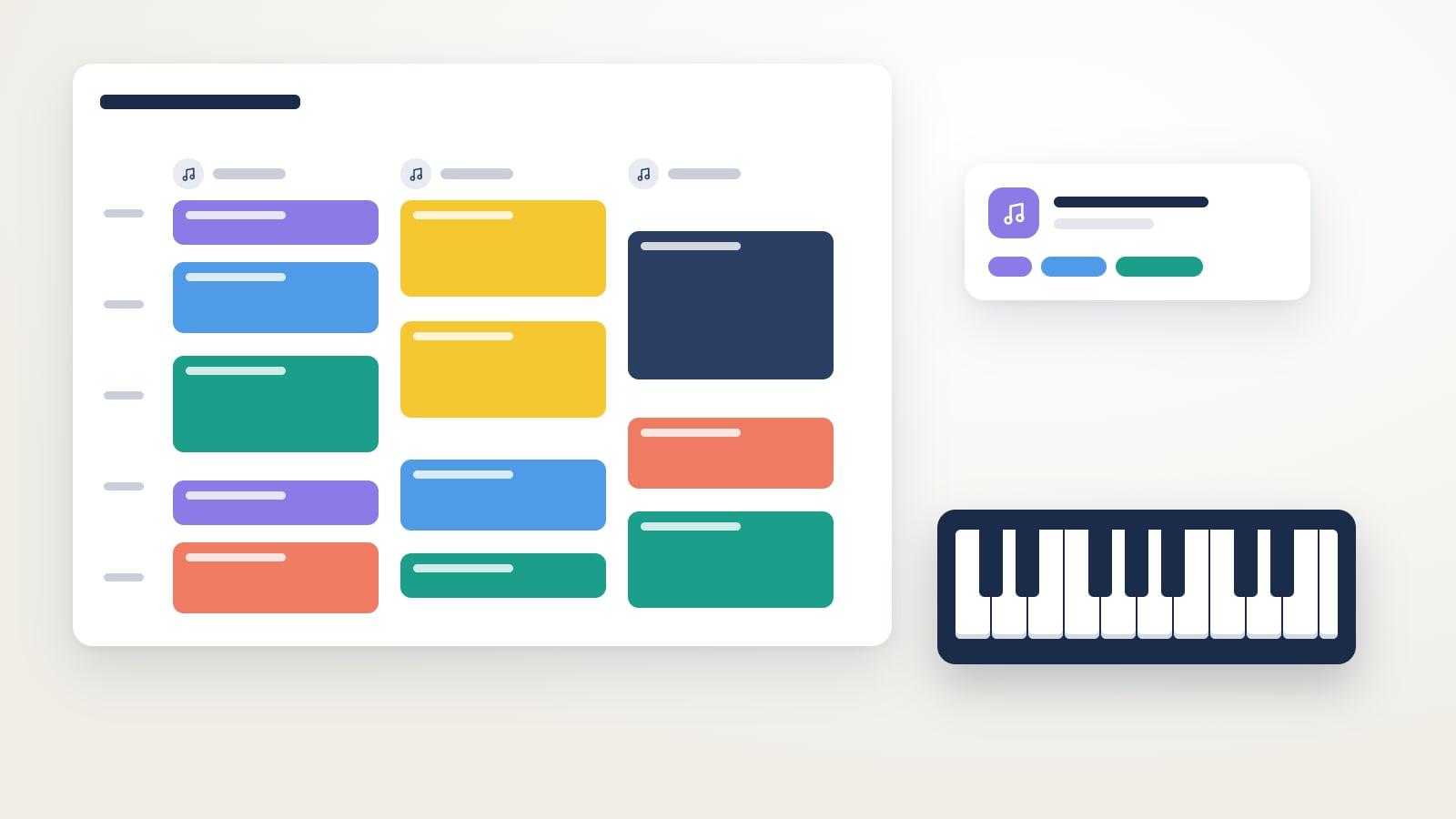
For a music school or music academy in 2026 you need software that combines private lessons of different lengths and group classes in a single timetable, each with its room and teacher. It has to handle each teacher’s and each room’s timetable, make-up classes with rules, automatic notifications and payments and teachers’ working-hours records.
A music school has the hardest timetable of any academy. A normal afternoon has 30-minute piano lessons, 45-minute guitar, 60-minute drums in the soundproofed room, group music theory and an ensemble that rehearses at the end of the day. Moving a single class throws three others out. Software built for one-hour groups won’t do.
What does music school software need to have?
These are the questions worth asking in any demo, and what Clasbi does for each one.
30, 45 and 60-minute lessons in the same calendar
Ask whether each class can have its own length and whether private lessons and group classes show up in the same timetable. In Clasbi each class has its length, its room and its teacher, and you can see each teacher’s full schedule, gaps included.
Rooms and instruments
The grand piano is in one room, the drums in another and the music theory room is shared. Ask whether the software warns you when two classes fall at the same time in the same room. In Clasbi each class has its room and you can filter the timetable by room, by teacher or by student.
One record per student, even with several subjects
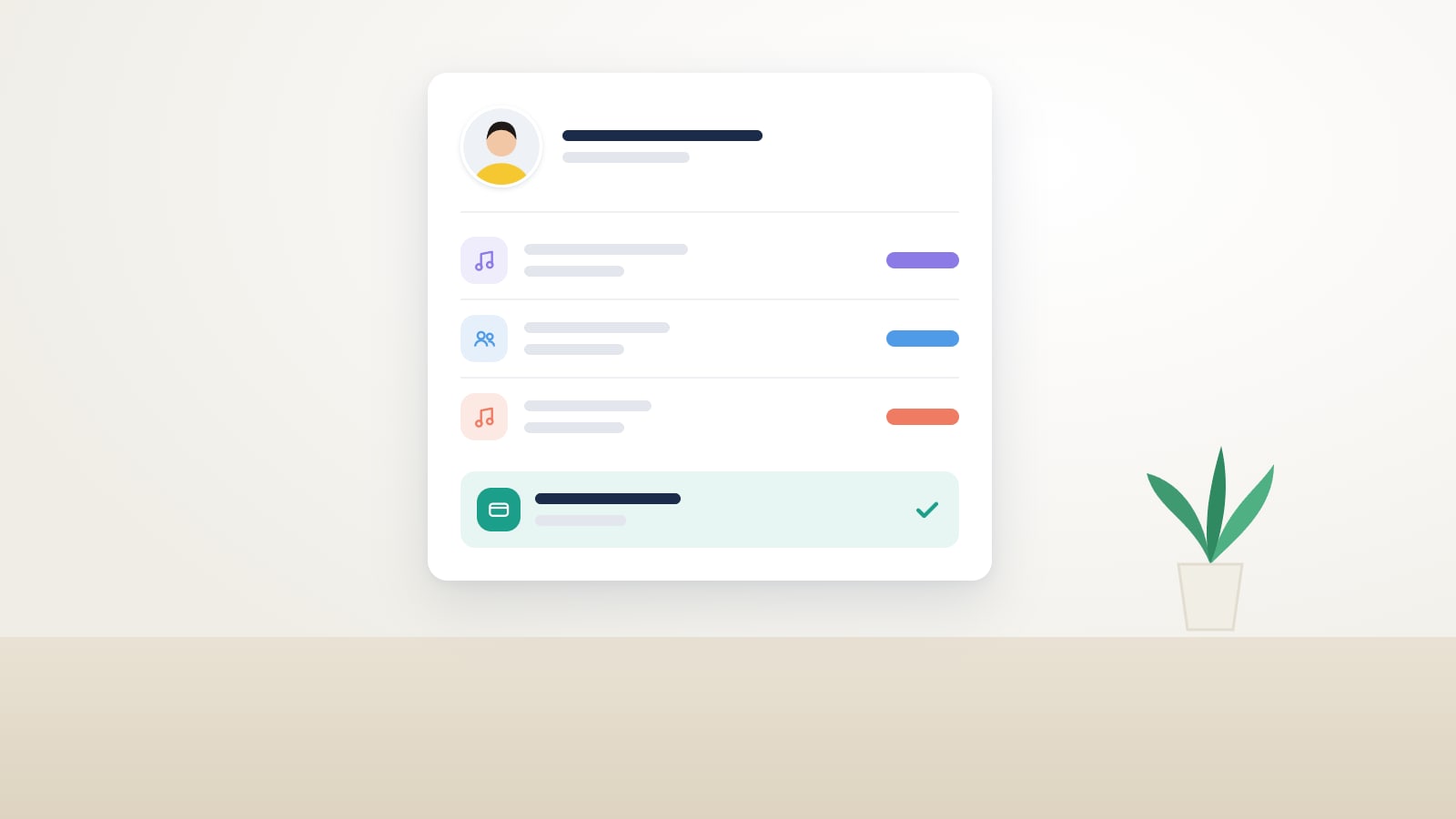
This is what gets most tangled in an Excel sheet: the same student appears in the piano list, the music theory list and the ensemble list, with three different fees. In Clasbi the student has a single record with their subjects, timetable, attendance and payments.
Absences and make-up classes for private lessons
In a private lesson, an absence leaves the teacher without a student for that half hour. Ask whether you can set how much notice earns a make-up class and in which slots. In Clasbi the student lets you know from their app, the slot is freed up in the teacher’s schedule and the make-up class happens within your rules. You have two make-up class policy templates to get started.
Recitals, concerts and timetable changes
In recital week, classes move, rooms get booked and families need to know about times that are not the usual ones. In Clasbi you change the class once and every student, family and teacher affected gets the notification in their app, without sending versions of the timetable over WhatsApp.
Part-time teachers and working-hours records
Many music schools have teachers who give only a few hours a week, sometimes at several schools. In Spain, a daily record of their working hours is mandatory if they are employees, and it has to be kept for four years. In Clasbi each teacher sees their schedule and clocks in from their phone. Check whether teacher time tracking is mandatory.
Monthly fees and automatic payments
Ask whether you have to calculate and collect the fees every month or whether the software does it on its own. In Clasbi you decide how each student pays: a fixed fee every month, only the classes they have that month, or a fee every term. If a student has a different price, for example because they play two instruments or come with a sibling, you set it on their profile.
At the start of the month, Clasbi generates every student’s fees and collects them automatically, by card (Stripe or Redsys) or by direct debit batch. Anyone who prefers to pay by Bizum, bank transfer or cash can do so too: you record the payment and it stays on their profile. You only check which fees are missing.
How does a music school get started with Clasbi?
With a 30-minute call where you tell us about your subjects, rooms, teachers and rates. We move your students, timetables and teachers from your Excel sheet or your current software, and the school is up and running in 72 hours. You can start with the timetable and payments and add the rest as you go.
You can see everything it includes in Clasbi for music schools and in our academy management software.